Register
your store
name now!

With RestoMS, every restaurant can run service like a pro from day one. Bring your menu — we’ll handle the rest.

My shopEnter your store name
5-minute setupInstant access14-day free trial
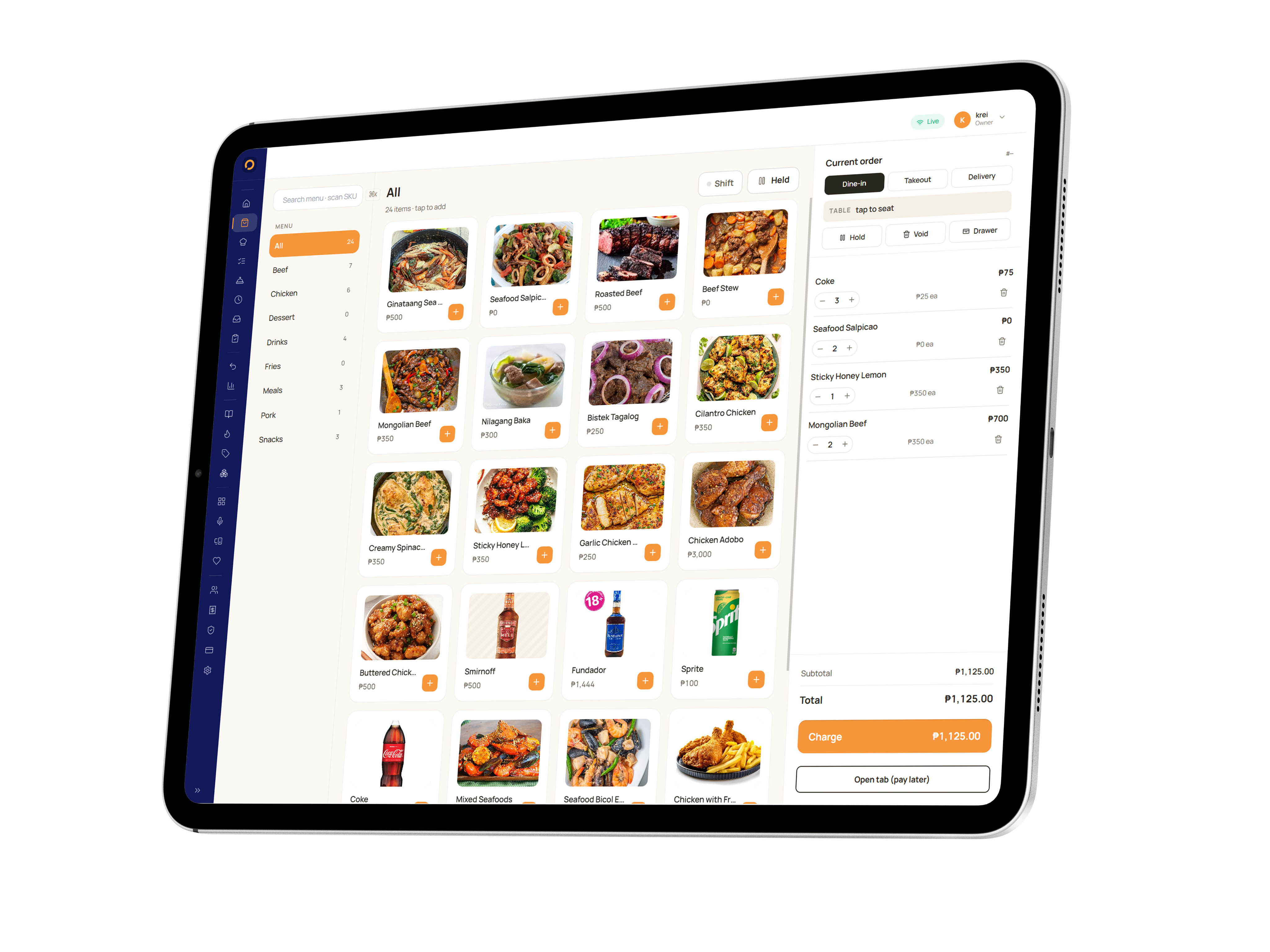
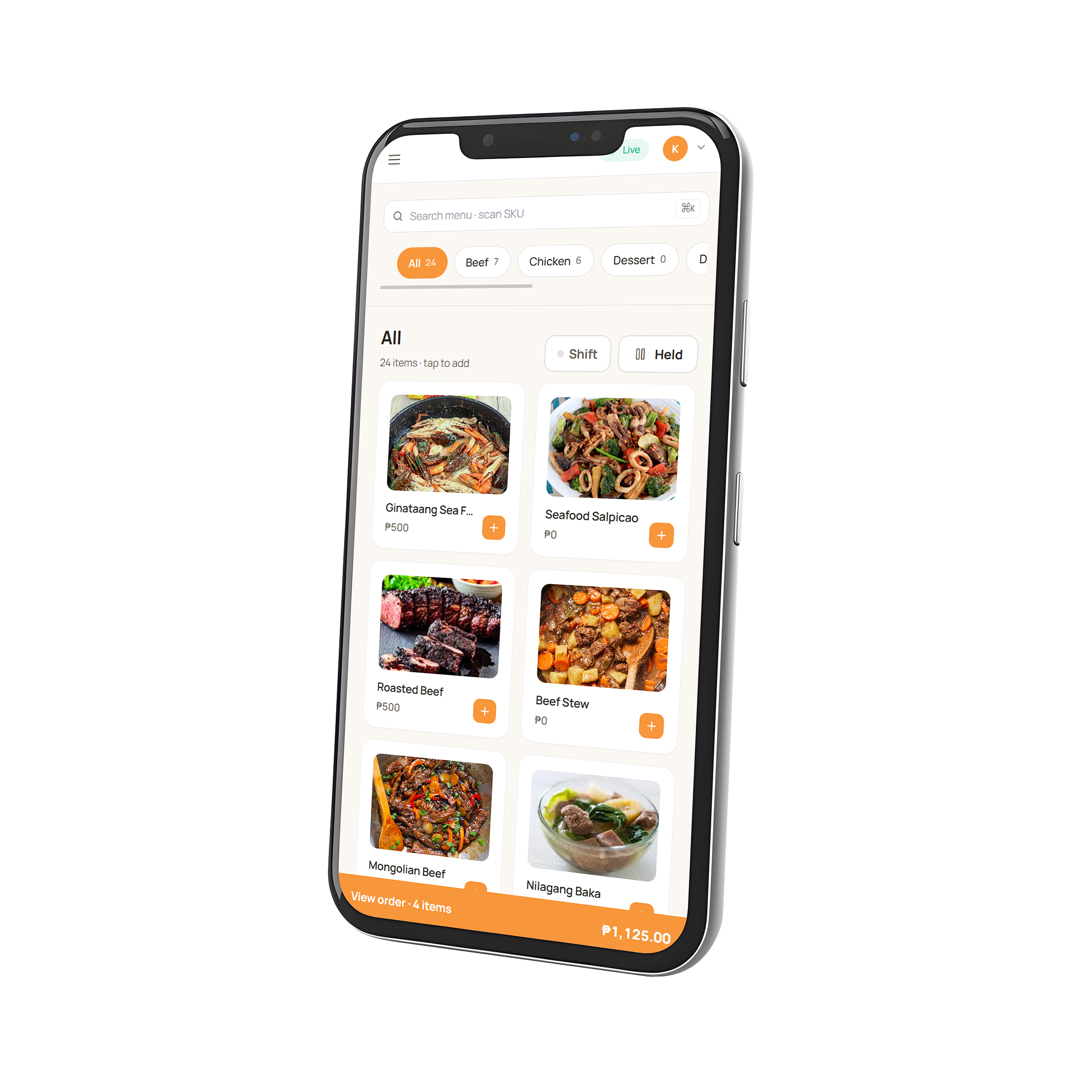
RestoMS running on a counter tabletRestoMS running on a phone
Built for every kind of operator
Casual diningCafés & coffeeQuick serviceBarsCloud kitchensBakeries
PRODUCT TOUR

See it work in real time.

Three surfaces, one source of truth. Every screen reflects the same room — the moment a guest orders, the kitchen knows.

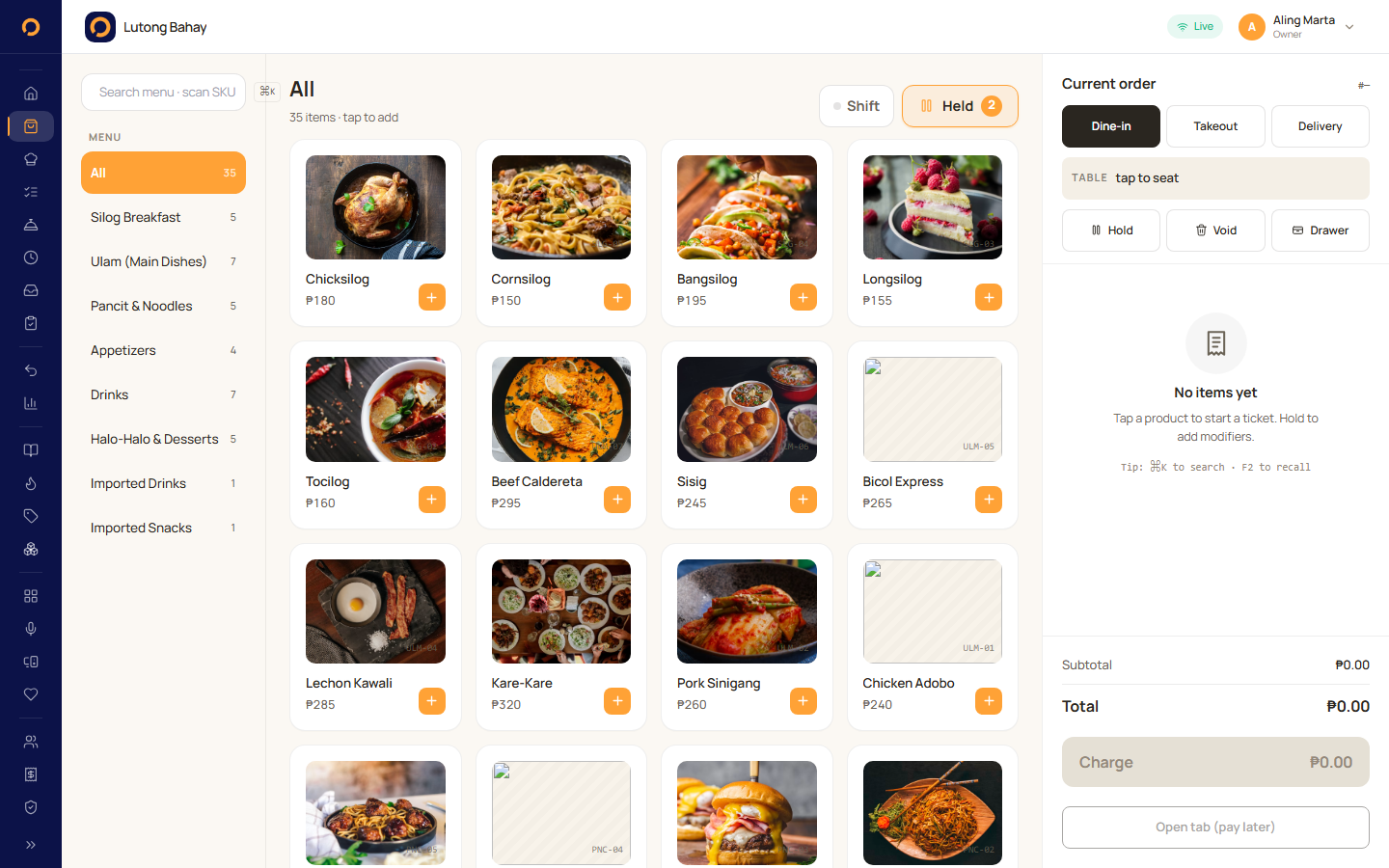
POS · counter
RestoMS point-of-sale screen

Point of sale

Lightweight checkout that loads under a second and stays calm on every tablet behind the bar.
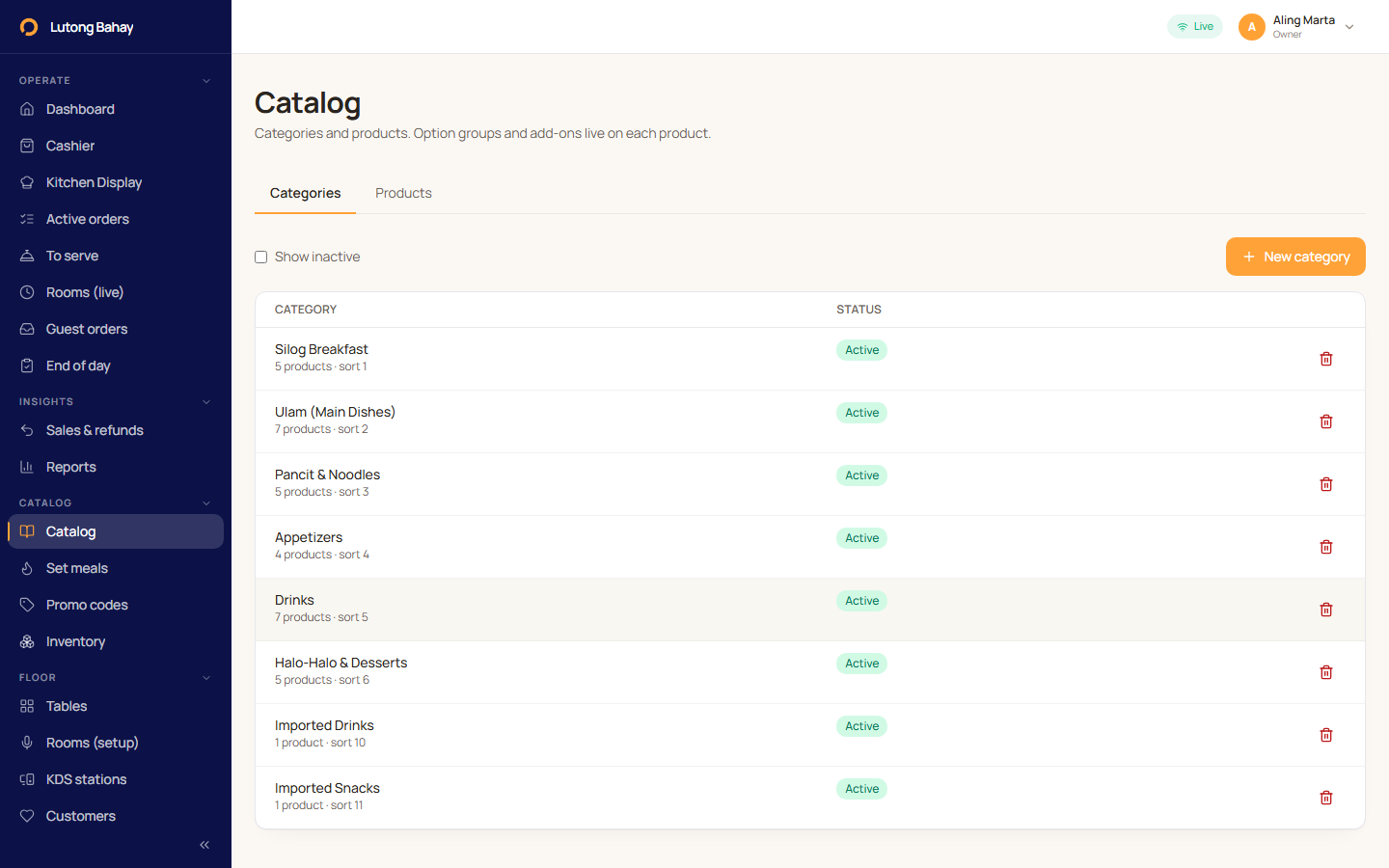
ADMIN · catalog
Menu and catalog admin

Menu & catalog

Build categories, products, modifiers, and option groups from a single screen. Live across every device.
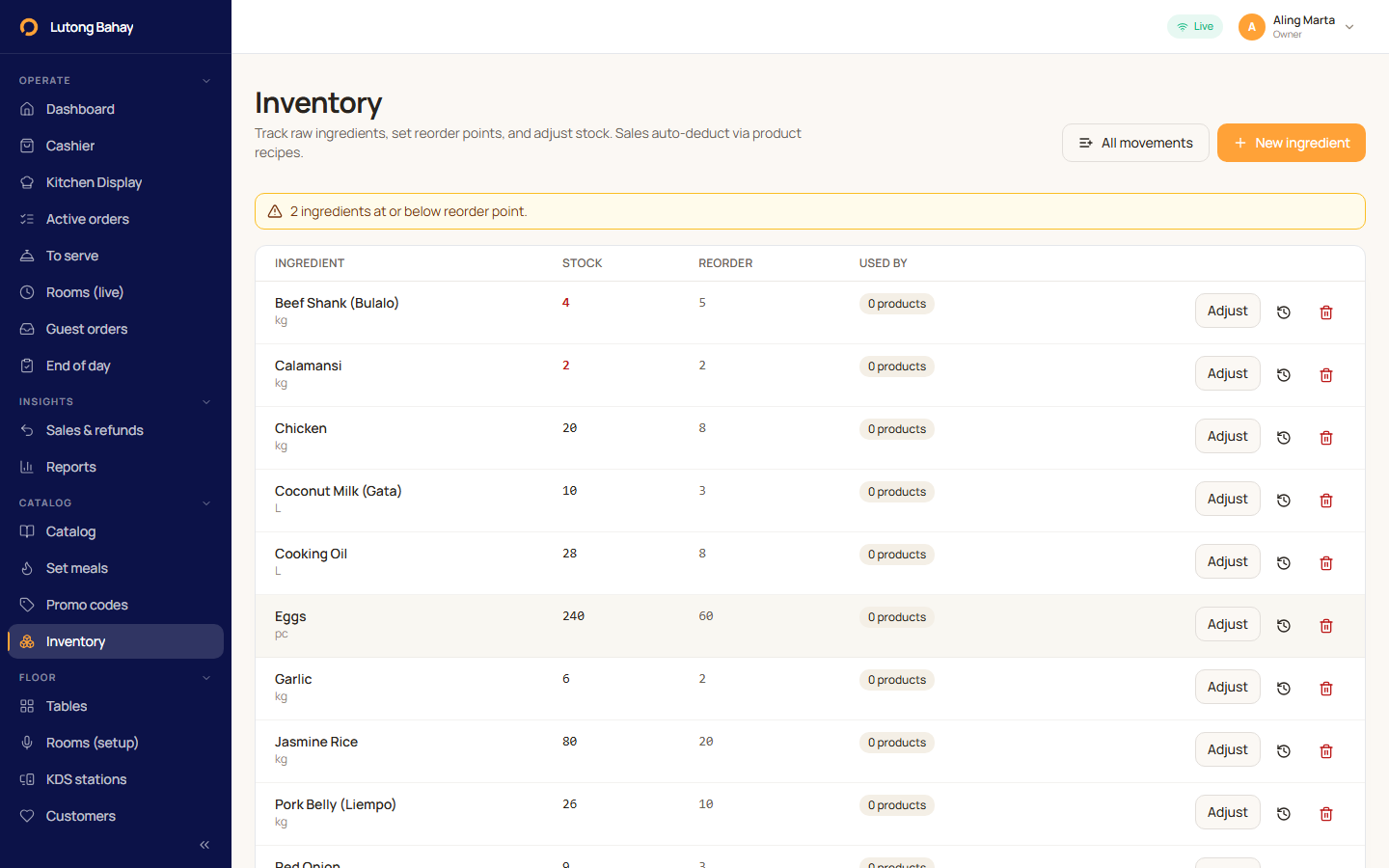
ADMIN · inventory
Inventory tracking

Inventory tracking

Track ingredients, adjustments, and recipes alongside your menu. Restock alerts before service starts.

CAPABILITIES

Built for the way you actually run service.

Fast point of sale

Loads under a second. Stays responsive on every tablet, even when service breaks open.

Kitchen display routing

Tickets fire to the right station automatically. No shouting across the line, no chasing printers.

Multi-device, real-time

Counter, server tablet, phone — every screen shows the same room. Sync is instant.

Guest QR ordering

Diners scan and order from their seat. Your team focuses on service, not entering tickets.

ANY DEVICE

The same restaurant — on every screen.

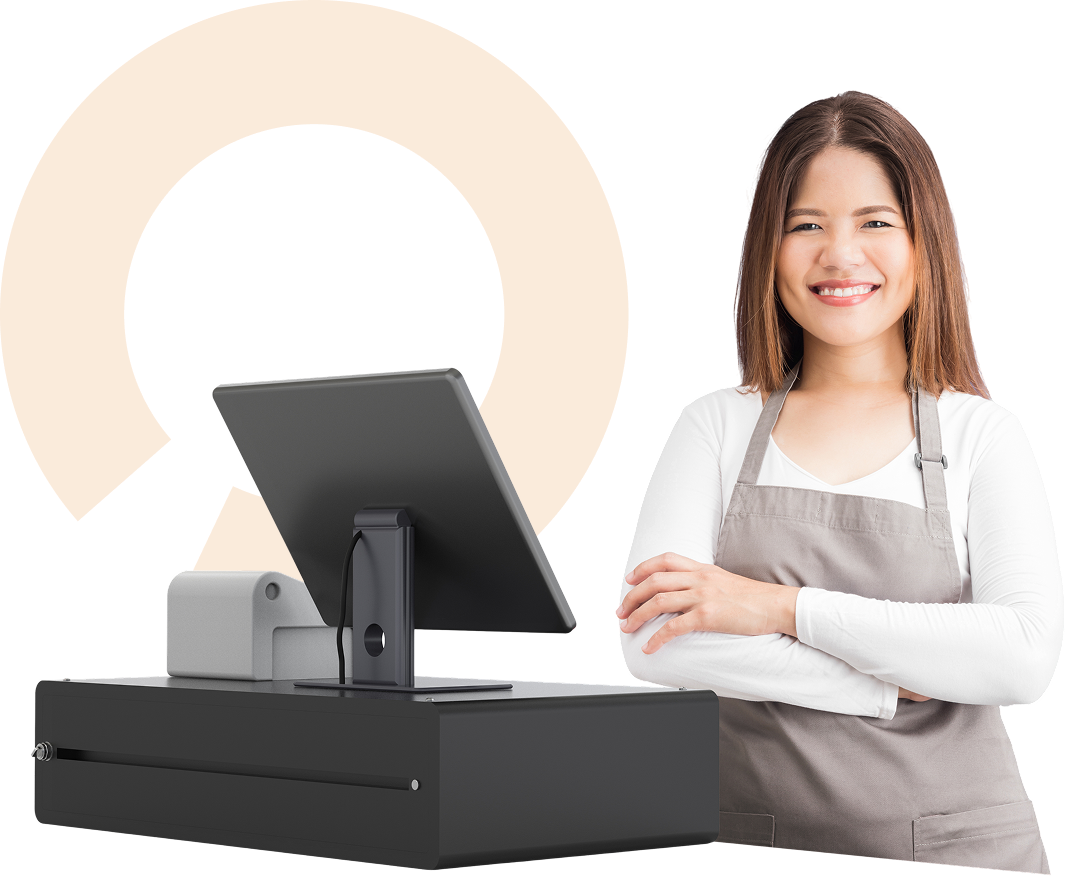
Ring it on the counter tablet, take it on a phone, fire it to the kitchen, hand the receipt off at the pass. RestoMS is one app on every screen, and they all stay in sync to the same order in real time.
  • Sub-second sync across counter, tablet, phone, and kitchen display
  • Add new devices in seconds — no per-seat license fees
  • Server takes the order at the table; cashier rings it on the counter
  • Works offline; reconciles automatically when the network returns
A restaurant cashier at a RestoMS counter POS terminal
ONBOARDING

Three steps. Live the same day.

01

Apply

Tell us your shop name above. Email, business name, your name — five minutes.

02

Get set up

Your account is created the moment you apply — no waiting for approval.

03

Start selling

A setup link lands in your inbox. Set a password and you're trading the same day.

PRICING

Pay for the lane you’re in, not the menu.

Three plans. One core platform. Upgrade only when you add a module — no per-seat fees, no surprise overages. Every plan starts with 14 days free, no card required, and you can cancel any time before the trial ends without being charged.

STARTER

Get selling from day one

499
per month · 1 user (Owner)
Subscribe
  • Point of sale on one device
  • Menu & catalog management
  • Sales, refunds & end-of-day reports
  • Table settings
  • Held orders
ENTERPRISE

Full control, tailored to you

Custom
Flexible pricing suited for you
Talk to sales
  • Everything in Pro
  • Guest QR ordering
  • Customer loyalty
  • Promo codes
  • Meal sets
  • KTV / dining rooms
FROM THE LINE

What operators say after their first service.

We onboard restaurants by hand. The early operators have feedback you can use — read what they took away from week one.

★★★★★
“First POS my cashiers didn't need a training session for. They were ringing orders the same day we got our invite.”
Andres Reyes
Owner · Atin-atin Café, Pasig
★★★★★
“The kitchen display alone paid for the year. We stopped losing tickets between bar and grill on Friday nights — that was the whole pitch and it delivered.”
Jaime Cruz
Floor manager · Pinoy Smokehouse, BGC
★★★★★
“I run the counter from my phone now when my cashier is on break. Sync is instant — there's no 'wait, did that go through?' moment.”
Rica Domingo
Owner · Bake at 4am, Quezon City
40%
More covers / shift
<1s
Cross-device sync
14d
Free trial, no card
5m
Application time
QUESTIONS

The things operators ask first.

How long does the approval process take?
Most applications are reviewed within two business days. We email you either way — if approved, you'll get a setup link the same email. If we can't onboard you yet, we'll tell you why.
Do you support Philippine peso and local receipt formats?
Yes — RestoMS defaults to PHP, Asia/Manila timezone, and an 80mm thermal receipt template with configurable header and footer lines. Custom receipt templates are available on Pro and above.
What hardware do I need to run RestoMS?
Any modern tablet or laptop with Chrome, Safari, or Edge. We recommend a 10" Android tablet for the counter and a dedicated 13" tablet or low-cost mini-PC for the kitchen display. No proprietary hardware required.
What happens to my data if I leave?
You own your data. Export a full archive of menus, orders, and customers any time from your dashboard. We delete your data within 30 days of cancellation.
Is there a free trial?
Yes — Starter and Pro plans both come with a 14-day free trial. No card required up front. Cancel any time before day 14 and you're never charged. Enterprise trials are arranged with our sales team as part of onboarding.
GET IN TOUCH

Let’s build something great for your restaurant.

Tell us what you’re running and we’ll show you how RestoMS fits.

Reach out to us today! ✨

Mail us at

info@creatopia.tech


Leave us a brief message

Ready offline

App shell cached — works without a network.